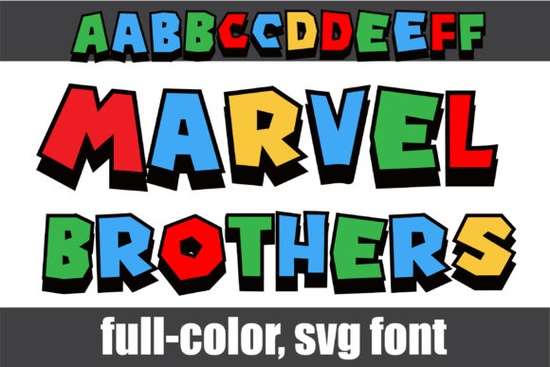
If you’re looking for a bold, playful font that pops with color right out of the box, the Marvel Brothers Font might be just what your next project needs. It’s not your average typeface each letter comes pre-filled with bright primary colors and crisp black shadows, giving it that comic-book-meets-modern-design vibe without any extra work on your end. Whether you’re making merch, social media graphics, or party invites, this one adds instant energy.
It works especially well if you’ve already enjoyed using fonts like the Spiderweb Army Font, which also leans into fun, stylized lettering with personality. Both are great picks if you want to skip manual coloring and let the font do the heavy lifting.
What can I actually make with this font?
Because it’s a full-color OpenType-SVG font, Marvel Brothers is perfect for projects where you want standout visuals without spending hours in Photoshop adding gradients or outlines. Think:
- T-shirts and tote bags Pair it with simple shapes or icons for eye-catching wearable art.
- Kids’ birthday invites or classroom posters The blocky, saturated letters feel fun and approachable.
- Social media quote graphics Great for motivational posts or announcements that need to grab attention fast.
- YouTube thumbnails or stream overlays Bold enough to read at small sizes, colorful enough to stand out in a feed.
Small business owners selling printables or POD products will find it especially handy no need to explain color choices to customers; the font comes ready-made.
Which apps support this kind of font?
Not all design tools play nice with color fonts. Marvel Brothers works smoothly in:
- Adobe Photoshop (CC 2017 and newer)
- Adobe Illustrator (CC 2018 and newer)
- Silhouette Studio (Business Edition or higher)
- Inkscape (version 1.0 or later)
Important note: If you use Cricut Design Space, the OTF or TTF files won’t display the color layers correctly. You’ll need to convert or rasterize the text first. For step-by-step help with that, check out Creative Fabrica’s Ultimate Font Guide it walks you through installing and using SVG color fonts across different platforms.
How do I access the alternate characters?
Beyond the main uppercase and lowercase sets, there’s a second set of alternates tucked inside the font file. You won’t see them in your regular dropdown menu you’ll need to open your system’s Character Map (Windows) or Font Book (Mac) to browse and copy/paste them in.
These alternates give you subtle variations in shape or shadow placement, letting you mix things up for logos or headlines where repeating the same exact letterform might feel too rigid. Try swapping out a few letters in a word to add rhythm and visual interest.
Any tips for getting the best results?
A few quick pointers to keep your designs clean and professional:
- Use it sparingly. This font has strong presence one headline or focal word is often enough. Pair it with a clean sans-serif for body text.
- Watch contrast. Since the letters already have built-in shadows and bright fills, avoid placing them over busy backgrounds.
- Export as PNG or SVG when needed. If sending files to clients or uploading to marketplaces, rasterizing or converting to vector paths ensures the colors stay intact.
Also worth noting: while it looks great at large sizes, tiny uses (like watermarks or fine print) may lose detail. Test at your intended output size before finalizing.
Is this font worth it for hobbyists?
Absolutely. Even if you’re just making cards for friends or designing signs for a local bake sale, fonts like Marvel Brothers remove the friction of “how do I make this look cool?” You get polished, pro-level color styling without needing advanced skills. And since it’s from Creative Fabrica, you’re covered by their commercial license so if you ever decide to sell what you make, you’re good to go.
If you liked how easy this one is to use, you might also enjoy browsing other colorful display fonts in the same style they’re great for building a toolkit of go-to typefaces that deliver instant impact.
Next step: After downloading, open your favorite supported app, type out a test phrase, and play with scale and spacing. See how the shadows and colors react at different sizes. Sometimes the simplest experiments lead to your best designs.
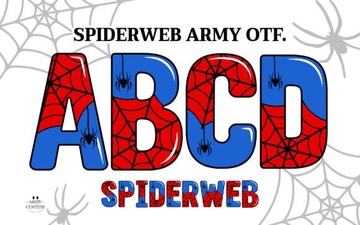 Spiderweb Army Font for Design Projects
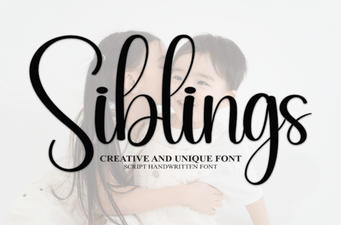 Sibling Font Pairings for Creative Projects
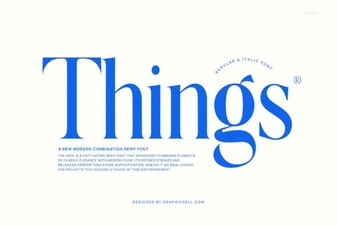 Crafting Unique Projects with Creative Fonts
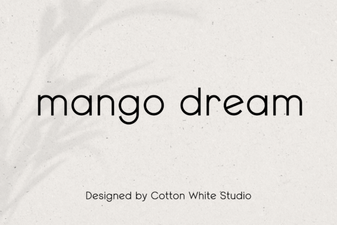 Mango Dream Font: Modern Display for Creative Projects
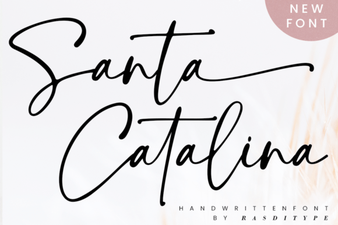 Santa Catalina Font Inspiration & Projects
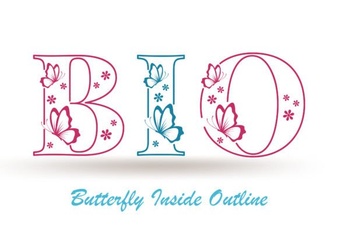 Showcasing the Butterfly Inside Font